Google NotebookLM
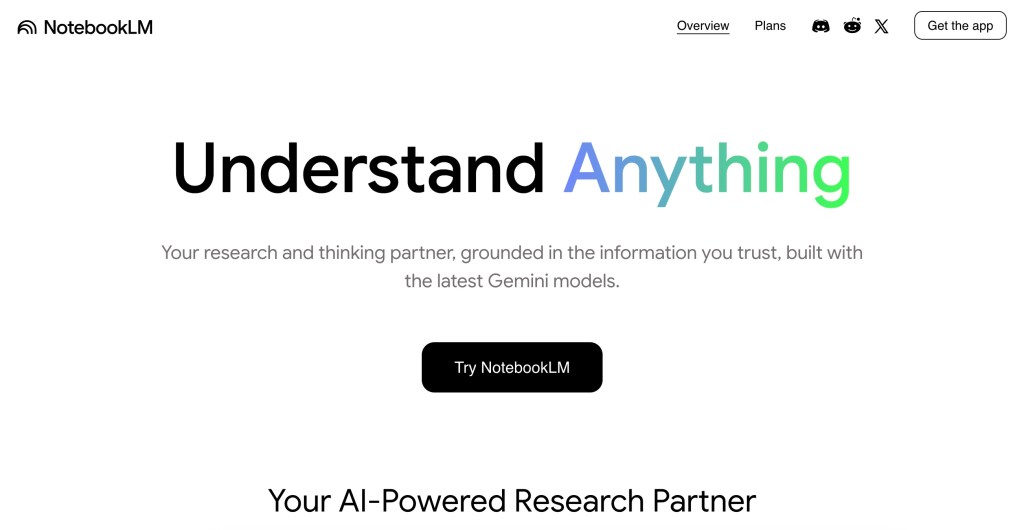
- Instructional Video
- Programs: Vyond and YouTube Studio
- Audience: Students, faculty, and staff.
- Purpose: AI Tool Introduction
- This short video highlights an AI tool recommended by a faculty member to support a University of Michigan advisee who experienced challenges understanding course content. Because English is not her first language, the tool, Google NotebookLM, powered by Gemini, helped make the material more accessible. NotebookLM allows students to upload PDFs, websites, videos, and documents to create multilingual summaries, study guides, and audio-style overviews in over 80 languages. This video helps spread awareness of the tool and its value in supporting diverse learners.
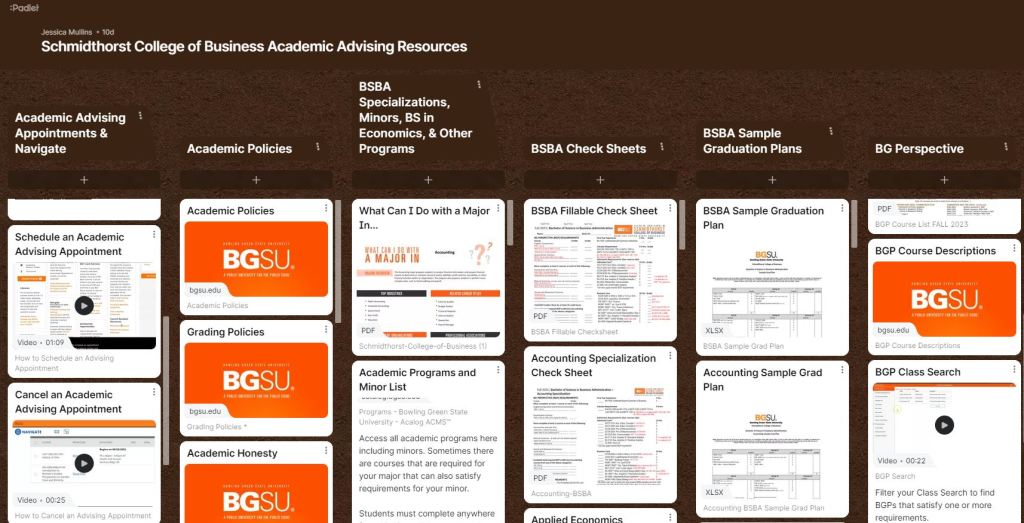
BGSU Schmidthorst College of Business Academic Advising Resources Padlet
- Screencast Demonstration Instructional Videos and Resources
- Programs: Padlet, ScreenPal, and YouTube Studio
- Audience: Bowling Green State University Undergraduate Students
- Purpose: On-demand advising information and campus resources
- Impact: This Padlet functioned as a centralized advising resource, enabling students to efficiently access key academic information, including campus resources and advising tools. I developed sample degree plans for 14 specializations, detailing elective options, prerequisites, and course offerings. To support diverse learning preferences, I created short instructional videos and compiled screenshots with step-by-step guides for multimodal access.
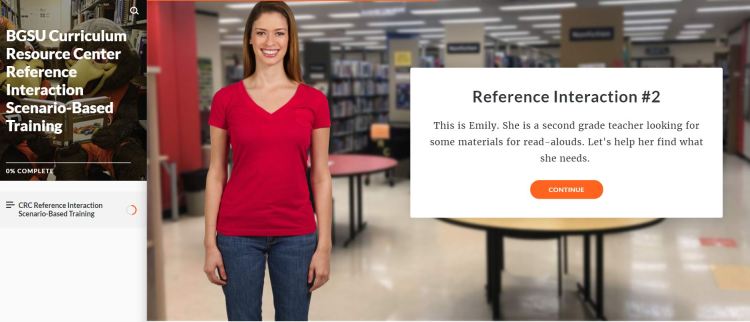
BGSU Curriculum Resource Center Reference Interaction Scenario-Based Training
- Scenario-Based Training and Screencast Demonstration eLearning Module
- Programs: Rise Articulate 360, Screencast-o-matic, and Google Forms
- Audience: University Library Employees
- Purpose: Practice critical thinking, problem-solving, effective communication skills, and search strategies in reference interviews to provide solutions according to the situation and needs of patrons.
- Impact: This training is used at the library and has helped prepare UL staff for reference interactions. The training provides multi-modal instruction, practice, reflection, and additional activities to transfer learning. The Take 5 Reflection activity was created in Google Forms.
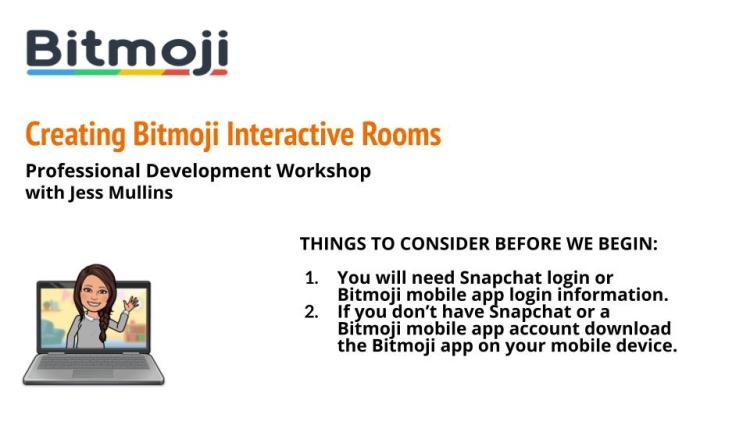
Creating Bitmoji Interactive Rooms
- Screencast Demonstration eLearning Module
- Programs: Google Slides, Screencast-o-matic, YouTube Studio, and Padlet
- Audience: Educators
- Purpose: Provide step-by-step instructions on how to create an Interactive Bitmoji Room. A Bitmojis in Education Padlet was created to provide written instructions and additional resources.
- Impact: Bowling Green State University College of Education and Human Development Faculty have used this content in their courses, and I presented the information to students and faculty at a BGSU Project Impact Professional Development Workshop.
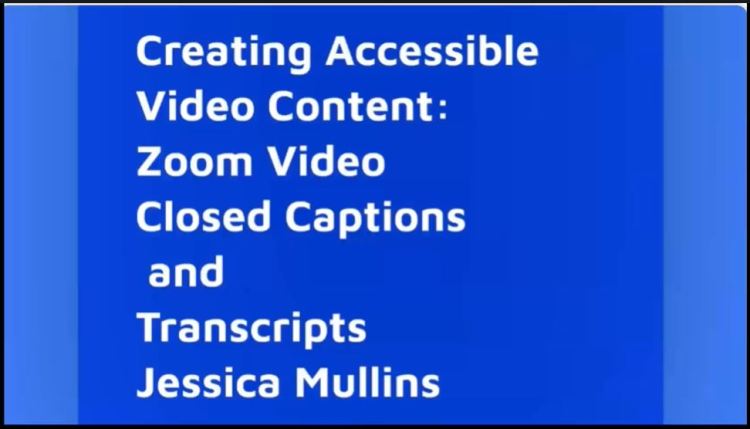
Creating Accessible Video Content: Zoom Closed Captions and Transcripts
- Lecture and Demonstration eLearning Module
- Programs: Camtasia, Prezi, Zoom, Qualtrics, and Padlet
- Audience: Video Content Creators
- Purpose: Provide information about accessible video content and step-by-step instructions on how to enable closed captions and edit live transcripts in Zoom recordings.
- I created a needs assessment; lesson plan; storyboard; applied Gange’s 9 Events of Instruction and the ADDIE model to instruction; and designed and administered formative and summative assessments.
- Impact: Peers successfully completed this eLearning Module and provided feedback. They appreciated that there are written instructions included in the Padlet and said they plan on immediately using what they learned in the course.
The Highway of Learning Podcast
Listen to The Highway of Learning Podcast Series Creating Effective and Engaging Videos for more information on how to create accessible video content on Spotify.
- Programs: GarageBand, Spotify, and Adobe Spark
- Podcast
- Audience: Educators, Trainers, and Content Creators
- Purpose: The Highway of Learning podcast is about creating engaging and meaningful learning experiences.
- Impact: This podcast series will be useful for Instructional Designers, Educators, Trainers, and Content Creators who appreciate listening to podcasts for professional development. Many Educators will hear these podcasts since they are included in a Bowling Green State University eMagazine publication.
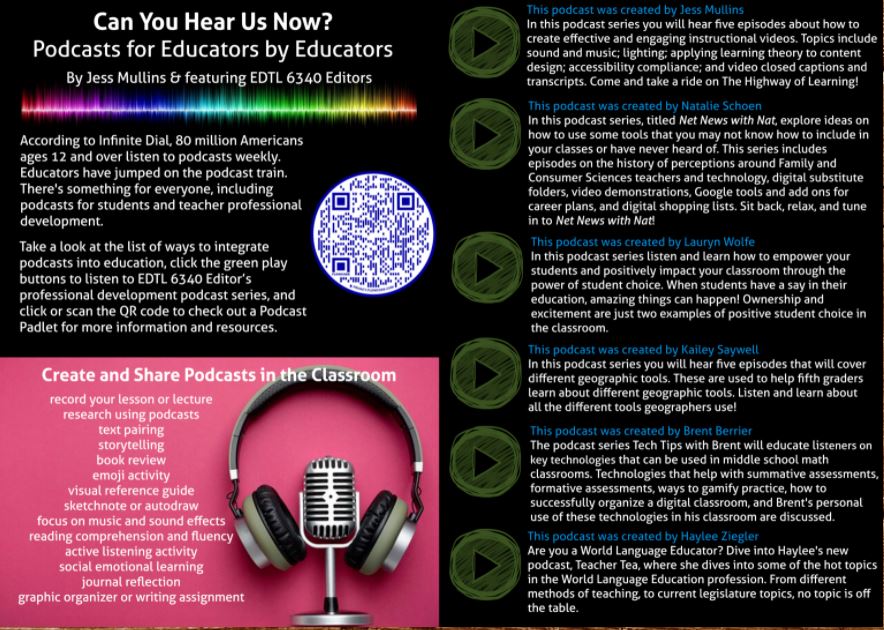
“Can You Hear Us Now? Podcasts for Educators by Educators”
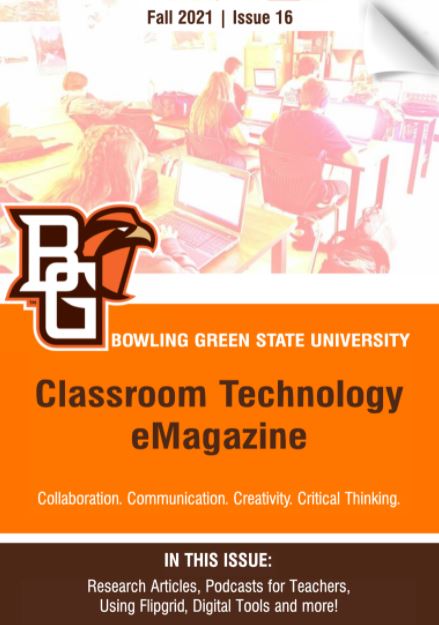
- eMagazine
- Programs: Joomag, Adobe Spark, Flowcode, and Padlet
- Audience: Educators
- Purpose: Inform about ways podcasts can be used in Education and share podcasts created by Educators for Educators.
- I collaborated with peers to design and edit this Classroom Technology eMagazine in Joomag digital publishing platform. My responsibilities included proofreading the magazine, editing and designing one research article, and enhancing the article with interactive links of related digital content. Images for the magazine were created in Adobe Spark.
- I also narrated, recorded, and uploaded MP4 files of several research articles and wrote, “Can You Hear Us Now? Podcasts for Educators by Educators.” I uploaded my peers’ podcasts in the article and created a Podcasts in Education Padlet and QR code in Flowcode so readers could be directed to additional Padlet resources.
- Impact: This eMagazine will reach Bowling Green State University students, faculty, and staff.
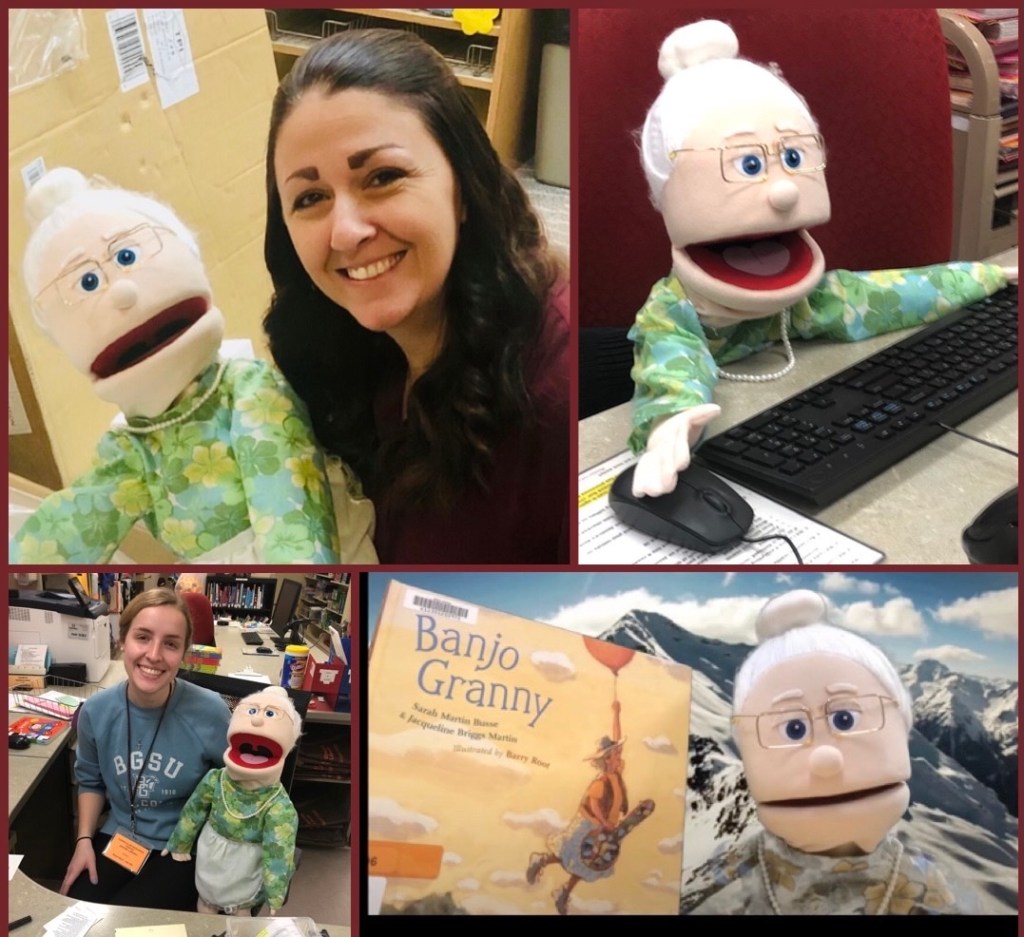
Adventures in Learning: Granny Requests a Book
- Video Editing with Green Screen, Puppeteer, and Screencast Demonstration eLearning Module
- Programs: iMovie and Green Screen Effect, YouTube Studio, and Screencast-o-matic
- Audience: Jerome Library Patrons, BGSU students, and University Library Employees
- Purpose: Granny works hard at the library helping students, faculty, and staff find materials. In this video Granny helps Jerome Library patrons learn how to request materials through SearchOHIO and Ohio Link.
- I enjoyed learning how to use a green screen effect in iMovie. I didn’t realize until I finished the video that Granny’s mostly green dress would give her a ghostly appearance. If Granny goes on another learning adventure she will wear a different dress.
- Impact: BGSU College of Education and Human Development faculty shared this video with students, and the video was also used to train UL Employees.
LibInsight Stats Training Module
- Gamified eLearning Module
- Programs: Nearpod and Canvas
- Audience: University Library Employees
- Purpose: The training module explains the purpose, process, and guidelines of entering LibInsight statistics at the Information and Lending Desk. Directions, information, and the Nearpod lesson link is in Canvas Learning Management System.
- Impact: This eLearning Module is used to train UL employees and has helped staff make less errors in recording statistics. Nearpod performance reports are discussed after staff complete the training module.
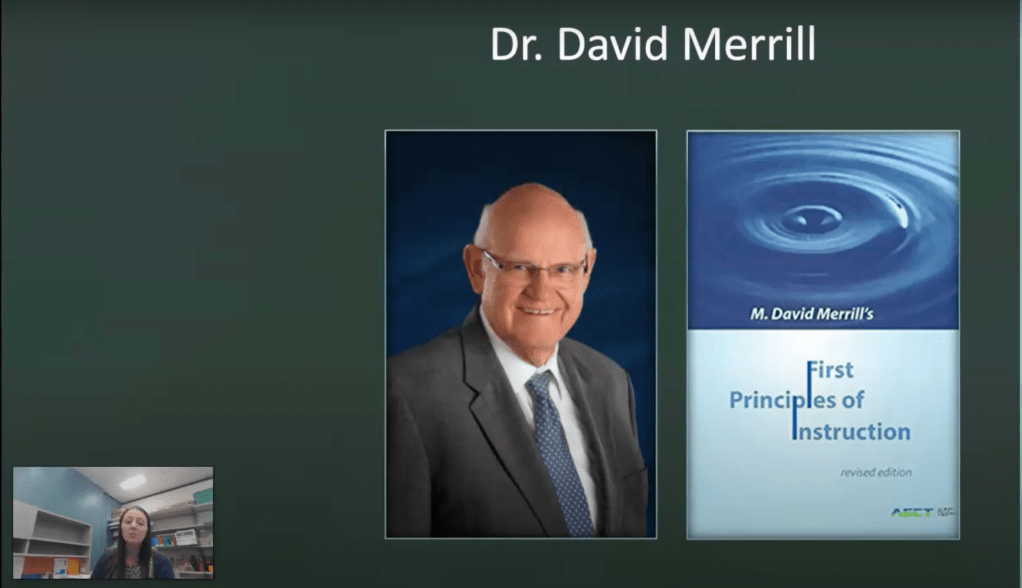
Dr. Merrill’s First Principles of Instruction
- Screencast Lecture and Demonstration eLearning Module
- Programs: PowerPoint and Screencast-o-matic
- Audience: Instructional Designers, Educators, and Trainers
- Purpose: This instructional video explains and demonstrates Dr. David Merrill’s Principles of Instruction. This video shows how I applied theory and principles to training student employees in a previous position at the BGSU Jerome Library Curriculum Resource Center.
- Impact: This eLearning Module was shared with Instructional Design & Technology students in a course. It can be used to help Educators, Instructional Designers, and Trainers better understand Dr. Merrill’s Principles of Instruction.
Artificial Intelligence in Education: Google Auto Draw and Book Creator
- Screencast demonstration eLearning Module
- Programs: Prezi, Screencast-o-matic, Google Auto Draw, and Book Creator
- Audience: Instructional Designers and Educators
- Purpose: This instructional video discusses Artificial Intelligence or AI and how the AI tool Google Auto Draw is integrated into the program Book Creator.
- Impact: This eLearning Module was shared with teachers and peers during a course. Many teachers in different content areas commented that they plan to use Google Auto Draw and Book Creator.
 Jessica Mullins Instructional Designer and Consultant